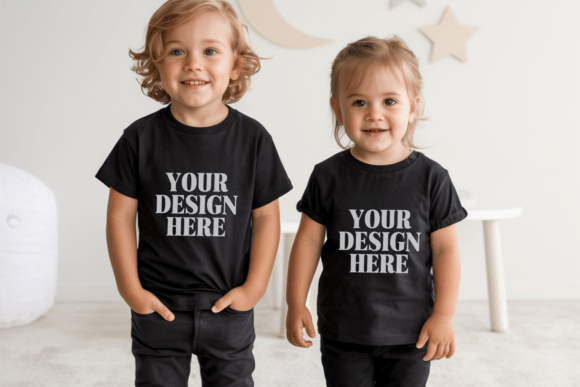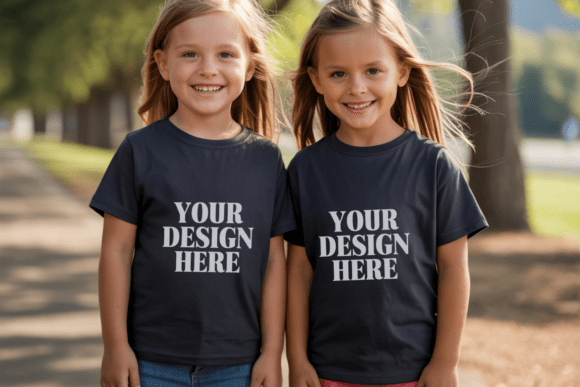
Kids Gildan 5000B Siblings Mockup 15
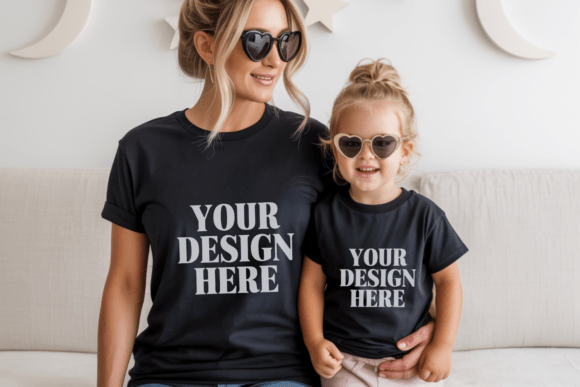
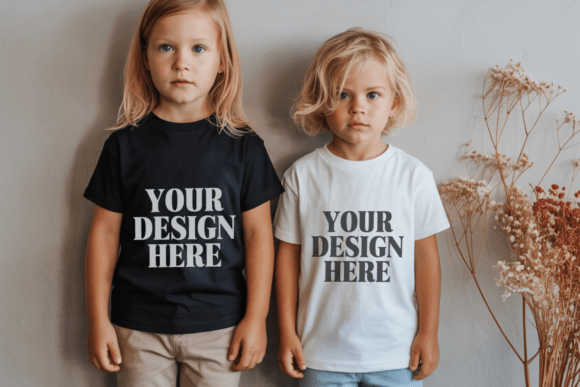
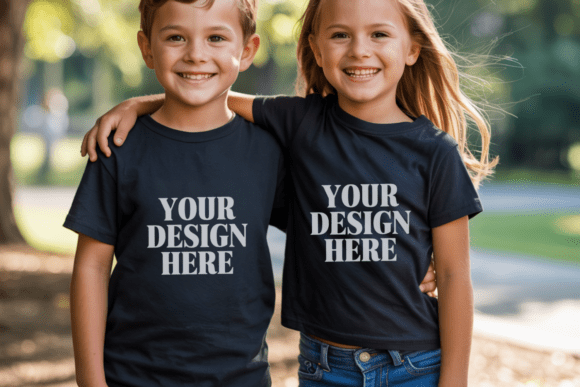
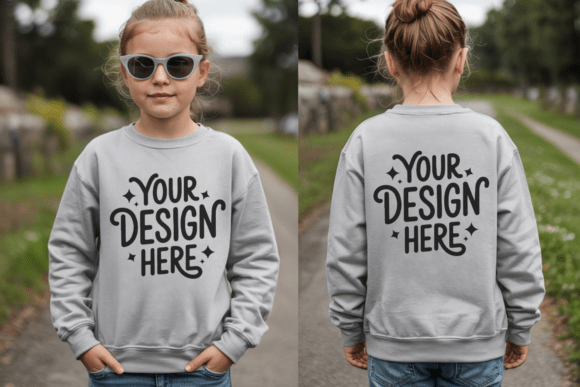
In the world of print-on-demand and custom apparel, the difference between a listing that gets clicked and one that gets ignored often comes down to visual presentation. Kids Gildan 5000B Siblings Mockup 15 is designed specifically to bridge the gap between a digital design file and a tangible product that parents and children want to see. This high-quality JPG mockup transforms a flat graphic into a realistic scene featuring two children, offering an immediate sense of scale, fit, and lifestyle context.
Unlike generic single-shirt templates, this sibling-focused asset captures the dynamic energy of matching outfits. Whether you are creating back-to-school collections, family reunion gear, or coordinated birthday party shirts, seeing your design on multiple kids simultaneously provides a powerful marketing advantage. It allows customers to visualize how the design looks in motion and how it fits different body types, which is crucial for reducing return rates and increasing conversion rates.
Why This Mockup Stands Out for Designers
The Gildan 5000B youth t-shirt is a staple in the industry known for its soft cotton feel and durable construction. However, presenting this specific garment effectively requires a template that respects its natural drape and fabric texture. Our premium JPG files are crafted at 300 DPI resolution, ensuring that every fold, shadow, and highlight renders with crisp clarity. This level of detail is essential when selling to discerning buyers who expect professional-grade imagery.
What makes this particular mockup particularly interesting is its versatility. It serves as a neutral canvas that highlights the design without overwhelming it. The white base of the shirt ensures that colors pop, while the subtle lighting conditions mimic natural daylight environments. This approach prevents the "plastic" look often associated with poorly rendered digital assets, grounding your product in reality.
- High-Resolution Clarity: The 300 DPI resolution guarantees that your designs remain sharp even when viewed on large displays or printed for physical catalogs.
- Universal Compatibility: These files work seamlessly with all major design software, including Adobe Photoshop, Canva, Affinity Designer, and GIMP.
- Clean Output: There are no watermarks, text overlays, or branding distractions. You receive a pristine image ready for immediate commercial use.
Creative Applications and Use Cases
While the primary function of this mockup is to display apparel, its utility extends far beyond simple product photography. Creative professionals can leverage this asset to tell stories about family connections, school spirit, and shared experiences. Here are several ways to adapt this tool for various projects.
Family Branding and Reunions
One of the most effective uses for sibling mockups is in the realm of family events. Imagine designing a cohesive set of shirts for a large family gathering. By using this mockup, you can create a preview image that shows two cousins or siblings wearing the same pattern. This visual cue instantly communicates the concept of unity and belonging. For small business owners specializing in custom family gifts, this single image can serve as the hero shot for a landing page, demonstrating the potential outcome of a bulk order.
Educational and School Projects
Teachers and educators often need to showcase classroom activities or team uniforms. A mockup featuring two children can represent a classroom of students without needing complex group photography. It is an excellent tool for bloggers writing about back-to-school preparation or entrepreneurs launching a line of educational merchandise. The clean, white background of the Gildan 5000B allows for easy integration into educational newsletters or social media posts focused on student engagement.
Lifestyle and Niche Marketing
Different styles require different visual treatments. If you are targeting the boho aesthetic, you might pair this mockup with earthy tones and floral designs to evoke a rustic, natural vibe. Conversely, for a modern, urban brand, bold typography and geometric shapes work well against the stark white of the youth tee. The key is to ensure the design elements complement the mood of the mockup rather than clashing with it.
Practical Workflow for Seamless Integration
To get the most out of Kids Gildan 5000B Siblings Mockup 15, following a structured workflow is recommended. This process ensures consistency across your portfolio and saves valuable time during the design phase.
- Download and Extract: Once you have acquired the file, unzip the contents immediately. Right-click the folder and select "Extract All" to ensure all components are accessible.
- Select Your Tool: Open the JPG file in your preferred editing application. If you are using Canva, simply upload the image to your project workspace. For Photoshop users, you can open the file directly or drag it into an existing document.
- Layer Management: Place your design layer above the mockup layer. Ensure your design is set to a blending mode that allows the fabric texture to show through, such as "Multiply" or "Overlay," depending on the lighting of the original photo.
- Resize and Position: Adjust the size of your design to fit the chest area naturally. Avoid stretching the design; maintain the aspect ratio to prevent distortion. Center the artwork for a balanced look.
- Final Review: Zoom out to check the overall composition. Does the design look like it belongs on the shirt? Are the shadows and highlights consistent with the rest of the image?
Maintaining Consistency and Quality
When building a brand around children's apparel, consistency is paramount. Using a standardized mockup like this one helps establish a cohesive visual identity across your website, Etsy shop, and social media channels. Customers develop trust when they see a uniform style in your listings, knowing exactly what kind of quality to expect.
It is also important to remember that screen settings and lighting conditions can affect color perception. While our files are optimized for accuracy, slight variations may occur depending on the monitor used by your customer. To mitigate this, always provide clear sizing charts and material descriptions alongside your images. Transparency builds credibility, and a professional presentation reinforces the value of your products.
For those new to digital mockups, the learning curve can be steep. However, tools like Canva make this process accessible to everyone. The ability to drag and drop your design onto a realistic image removes the technical barriers of 3D modeling. This democratization of design tools allows hobbyists and freelancers to compete with larger brands by delivering high-quality visuals without expensive equipment.
Expanding Your Creative Horizons
Don't limit yourself to just one variation. Consider creating a series of mockups using this base asset. You could swap out the designs to show seasonal themes, from spring flowers to winter holidays. You might also experiment with different poses or angles if you have access to other sibling mockups, creating a dynamic gallery that showcases the versatility of the Gildan 5000B youth tee.
Ultimately, the goal is to make your product listings shine. A well-executed mockup does more than just show a shirt; it sells a feeling, a memory, or a moment. By utilizing Kids Gildan 5000B Siblings Mockup 15, you are investing in a tool that elevates your entire creative output, turning simple graphics into compelling visual narratives that resonate with your audience.
Whether you are a seasoned designer looking to streamline your workflow or a beginner eager to launch your first collection, this resource provides the foundation you need. Start experimenting today, and watch as your designs come to life in the hands of real customers.